How Entrydesk works
Three stops. You upload the papers for one shipment. Entrydesk checks them against each other. Your declarant reviews a draft declaration, and your agent keys it into the Customs system.
Box 1Upload
Send the papers for one shipment
Upload the seller's invoice, the packing list (what is in each box) and the bill of lading (the shipping line's receipt). Add them as they are.
Entrydesk AI reads every page, sorts it by the kind of paper it is, and picks out the lines of goods.
- Entrydesk AI reads and sorts the pages.
- You add the papers.

Box 2Check
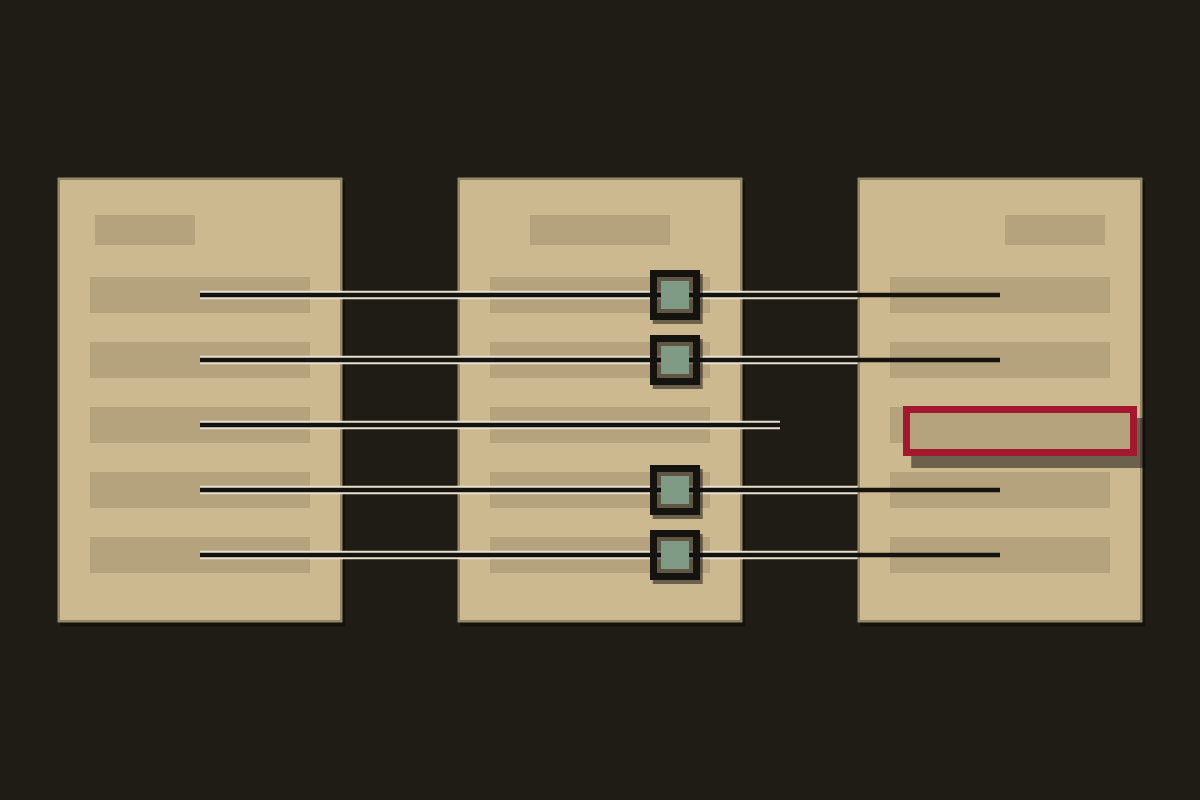
Entrydesk lines the papers up against each other
Entrydesk follows each line of goods across the invoice and the packing list, and checks weights, package counts and container numbers against the bill of lading. Where something does not agree, that line is lifted out and marked red.
Entrydesk AI suggests a code for each product, the number that says what it is, with its reason where it is sure. Where it is not sure, it says Needs expert and does not guess.
- Entrydesk AI suggests the code and gives its reason.
- Code does the checking. It never changes a value to make a check pass.
- You look at the red lines first.
Box 3Declare
Your declarant approves a draft declaration
Entrydesk puts the checked lines into one draft declaration. The boxes fill in the order the form asks for them.
Your declarant reads the draft, changes what needs changing and approves it. The licensed agent stays responsible for the declaration.
- Code fills the boxes in form order from the checked lines.
- Your declarant reviews and approves.
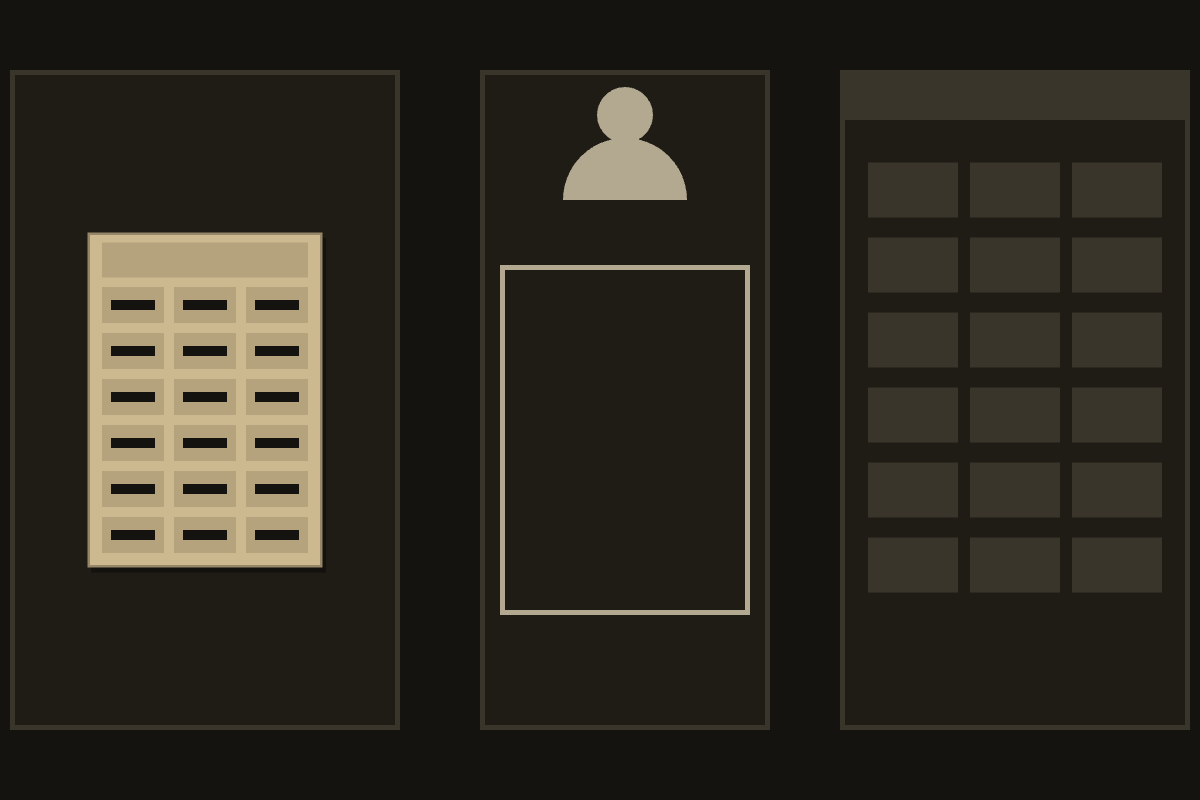
Your agent keys it into the Customs system. Entrydesk never logs in.